WSJF in 60 seconds
- Definition: "WSJF is estimated as the relative cost of delay divided by the relative job duration."[1]
- Formula: (user-business value + time criticality + risk reduction or opportunity enablement) divided by job size.[2]
- Scale: relative estimates on the modified Fibonacci sequence: 1, 2, 3, 5, 8, 13, 20, 40, 100.[1]
- Reading the result: the highest WSJF is the next most important job to do.[3]
- Origin: Don Reinertsen's model of prioritising by cost of delay divided by duration. The three-part sum is SAFe's adaptation.[3]
What is WSJF?
WSJF, Weighted Shortest Job First, is a prioritisation method that ranks jobs by their cost of delay divided by their duration. Work that is valuable, urgent and small rises to the top. In SAFe it is used to sequence features in the ART Backlog, typically at PI boundaries.[4]
Kendis is a PI Planning tool with a WSJF prioritization view for Jira and Azure DevOps, where teams score cost of delay and job size and the WSJF score syncs back as a field.
The idea comes from Don Reinertsen's Principles of Product Development Flow, where he "describes a model (WSJF) for prioritizing jobs based on the Cost of Delay."[3] His advice is blunt: "If you only quantify one thing, quantify the Cost of Delay."[2]
Cost of delay is "the money or value that will be lost by delaying or not doing a job."[1] Put more simply, it is "a way of communicating the impact of time on the outcomes we hope to achieve."[5] Two features can be worth the same in total and have very different costs of delay, because one loses value every week it waits and the other does not.
WSJF has one more useful property. It "conveniently and automatically ignores sunk costs"[2], because it looks only at the work that remains.
What is the WSJF formula?
WSJF = cost of delay divided by job size. In SAFe, cost of delay is the sum of three relative estimates: user-business value, time criticality, and risk reduction or opportunity enablement. Job size stands in for duration.
| Input | The question to ask | Scores high when |
|---|---|---|
| User-business value | How much do customers or the business gain from this? | It drives revenue, retention or a clear user benefit. |
| Time criticality | Does the value decay if we wait? | There is a fixed date, a competitor, or a customer about to leave. |
| Risk reduction or opportunity enablement | Does this reduce a risk or unlock later work? | It removes a technical or compliance risk, or opens up new options. |
| Job size | How big is the remaining work, relative to the others? | It is large. A high size lowers the WSJF score. |
SAFe uses job size because true duration is hard to know in advance: "job size can be used as a good proxy for the duration", while noting that it "is not a perfect proxy for job duration."[3] If a small job will take a long time because it waits on a supplier, adjust for that.
WSJF calculator
Enter your features and score each input from 1 to 100 on the modified Fibonacci scale. The calculator adds up the cost of delay, divides by job size and ranks the features, highest WSJF first.
| Feature | User-business value | Time criticality | Risk reduction / opportunity | Cost of delay | Job size | WSJF | Rank | Remove |
|---|
Nothing you type is sent anywhere. Your list is kept in your own browser so it survives a refresh. In Kendis the same scoring is done on your real backlog and stays in sync with Jira or Azure DevOps. See the WSJF view.
How do you calculate WSJF step by step?
Score one column at a time across all features, not one feature at a time. For each column, find the smallest item, give it a 1, and size the others relative to it. Then add up the cost of delay, divide by job size and sort.
- List the candidates. Ten to twenty features that are refined enough to compare. More than that and the session drags.
- Get the right people in the room. Product Management, Business Owners, the System Architect and a few team representatives.
- Score user-business value. Find the feature with the least value and set it to 1. Score the rest relative to it using 1, 2, 3, 5, 8, 13, 20.[3]
- Score time criticality the same way, as its own column.
- Score risk reduction or opportunity enablement the same way.
- Add the three to get the cost of delay for each feature.
- Score job size. The teams do this. Give the smallest job a 1.[3]
- Divide and sort. Cost of delay divided by job size. The highest WSJF is the next most important job to do.[3]
- Sanity check. If the order looks wrong to everyone, a score is wrong. Find it and discuss it.
Tip from the fieldEvery column must contain at least one 1. That rule is what keeps the scale relative and stops every feature drifting towards 13 and 20.
What does a worked WSJF example look like?
A small, urgent feature usually beats a large, valuable one. In the example below, a checkout performance fix with a cost of delay of 21 and a size of 3 scores 7.0 and ranks first, ahead of a dashboard with higher business value but a size of 13.
| Feature | Value | Time | Risk / opp. | Cost of delay | Job size | WSJF | Rank |
|---|---|---|---|---|---|---|---|
| Checkout performance | 8 | 5 | 8 | 21 | 3 | 7.00 | 1 |
| Single sign-on | 8 | 13 | 5 | 26 | 5 | 5.20 | 2 |
| Regulatory audit log | 5 | 20 | 13 | 38 | 8 | 4.75 | 3 |
| New reporting dashboard | 13 | 3 | 2 | 18 | 13 | 1.38 | 4 |
Notice the audit log. It has the highest cost of delay of all four, 38, yet it ranks third because it is large. If its deadline is fixed by a regulator, WSJF alone will not protect it. That is the kind of result to talk through, which is the point of the exercise: WSJF "doesn't make decisions; it is simply a reasoning tool."[3]
When should you use WSJF, and when not?
Use WSJF to sequence features in an ART Backlog before PI Planning, where there are more good ideas than capacity. Do not use it for team-level story ordering, and do not treat it as the only input for large portfolio decisions.
- Good fit: features and capabilities reviewed "at PI boundaries."[4]
- Poor fit: team backlogs. SAFe's own guidance says WSJF is "not as well suited" there.[3]
- Use with care: portfolio epics, where it should not be "the sole determinant."[3]
- Not needed: fixed-date commitments and dependencies. Those constrain the plan whatever the score says.
What are the common WSJF mistakes and criticisms?
The usual mistakes are scoring one feature at a time, letting one person score everything, treating the result as a decision, and comparing scores between backlogs. The main criticism is that relative scores hide real money, which makes trade-offs harder.
- Scoring row by row. It destroys the relative scale. Score column by column.
- No 1 in the column. Without an anchor, scores inflate.
- Product Management scores job size. Size belongs to the people who will do the work.
- Comparing across ARTs. Scores are relative to one backlog and mean nothing outside it.
- Treating the ranking as final. Dependencies, capacity and fixed dates still apply.
- Re-scoring too rarely. Time criticality changes. Review before each PI.
There is a serious critique as well. Joshua Arnold, who writes extensively on cost of delay, argues that "you simply can't make trade-off decisions with relative value estimates" and that relative estimates "don't help much if you have more than one stakeholder."[6] His alternative is to estimate cost of delay in money per week and divide by duration, which he calls CD3.[7] If your organisation can put real numbers on value, that is the stronger method. Relative WSJF is the practical choice when it cannot.
How do you use WSJF with Jira or Azure DevOps?
Neither tool calculates WSJF out of the box, so teams add custom number fields and a formula or use a planning layer. The scores then need to stay next to the features so the ranking is visible during PI Planning.
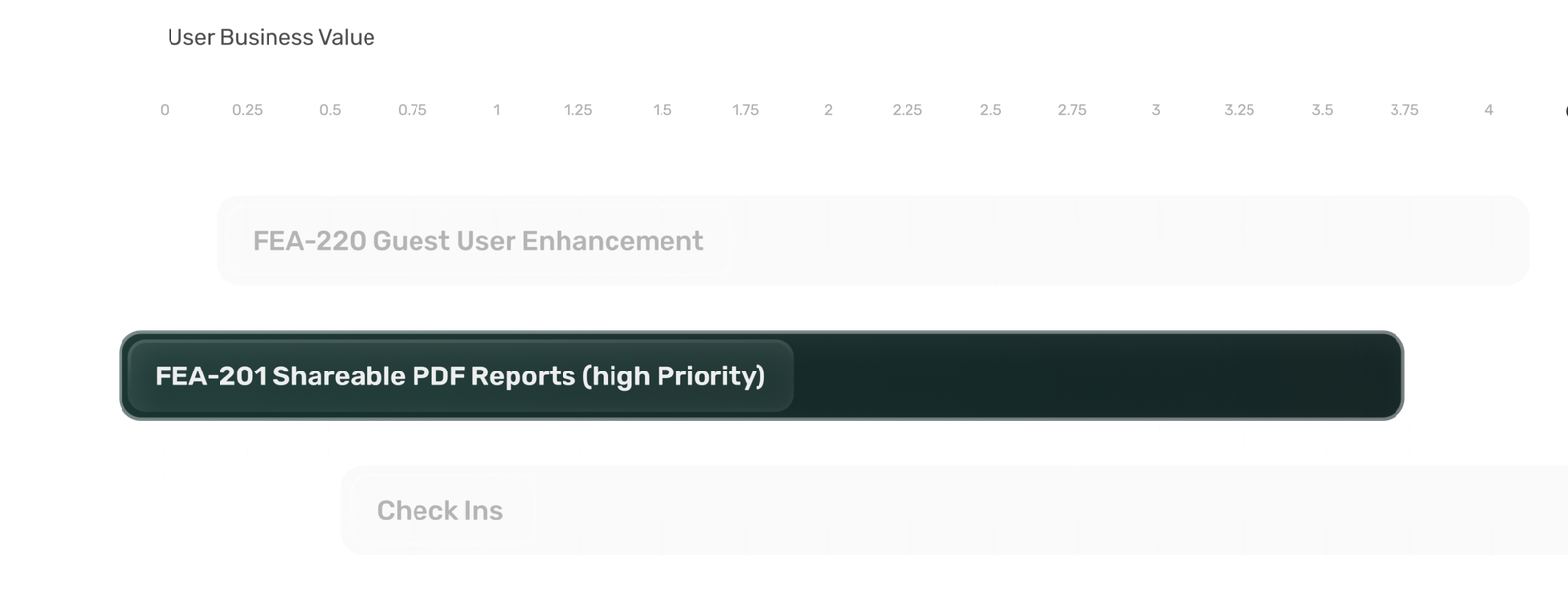
Kendis includes a WSJF view on the program board. Scores are entered against features pulled from Jira or Azure DevOps, the WSJF is calculated for you, and the ranked list is what teams pull from in PI Planning.
Put this into practice, free for 6 months
Kendis is a PI Planning and tracking platform that sits on top of Jira and Azure DevOps. The free trial runs for six months, long enough to plan and track two full PIs with your real backlog before anyone has to approve a budget.
- 6 months free, no credit card
- Choose EU hosting (OVHcloud, Frankfurt) or US hosting (AWS)
- Planning board, dependencies, PI objectives, ROAM risks, solution boards
- Two-way sync with Jira Cloud, Jira Data Center and Azure DevOps
- ISO/IEC 27001 certified, GDPR compliant, DORA Schedule available
- No user caps and no setup costs during the trial
One trial per organisation that has not used Kendis in the last twelve months. After the trial, Premium Cloud is $14 per user per month billed annually, or $16 monthly, and you license only the people who plan. SSO, Kendis AI and premium support are part of paid plans. See pricing and the free trial terms.
WSJF: frequently asked questions
What does WSJF stand for?
WSJF stands for Weighted Shortest Job First. It is a prioritisation method that ranks jobs by their cost of delay divided by their duration or size.
What is the WSJF formula?
WSJF equals cost of delay divided by job size. In SAFe, cost of delay is the sum of user-business value, time criticality, and risk reduction or opportunity enablement, each estimated relatively.
Is a higher or lower WSJF score better?
Higher. The feature with the highest WSJF score is the next most important job to do, because it delivers the most value per unit of effort and time.
What scale is used for WSJF?
SAFe uses the modified Fibonacci sequence for relative estimates: 1, 2, 3, 5, 8, 13, 20, 40, 100. In each column the smallest item is set to 1 and the others are scored relative to it.
Who invented WSJF?
Don Reinertsen described WSJF in The Principles of Product Development Flow (2009) as cost of delay divided by duration. The version with three summed components and job size as a proxy is SAFe's adaptation.
What is cost of delay?
Cost of delay is the money or value that is lost by delaying or not doing a job. It expresses how much time matters for a piece of work.
Who should take part in WSJF scoring?
Product Management and Business Owners score the value-related inputs, with the System Architect contributing on risk and enablement. The teams who will do the work score job size.
Should WSJF be used for user stories?
Generally not. SAFe's guidance is that WSJF is not as well suited to team backlogs. It works best for features and capabilities reviewed before PI Planning.
Sources
Every external claim in this guide links to the primary source below. All links were checked on 12 October 2026.
- Scaled Agile, Inc. SAFe Glossary.
- Scaled Agile, Inc. WSJF (Extended Guidance).
- Scaled Agile, Inc. WSJF (archived version, last updated 15 December 2022).
- Scaled Agile, Inc. Features and Capabilities.
- Black Swan Farming (Joshua J. Arnold). Cost of Delay.
- Black Swan Farming (Joshua J. Arnold). SAFe and Weighted Shortest Job First (WSJF).
- Black Swan Farming (Joshua J. Arnold). WSJF: Weighted Shortest Job First.
How this guide is maintained: definitions are checked against the framework pages and other primary sources listed above, and the guide is updated when terminology or guidance changes. Examples, checklists and practical advice are Kendis guidance and are not official SAFe material. SAFe and Scaled Agile Framework are registered trademarks of Scaled Agile, Inc.